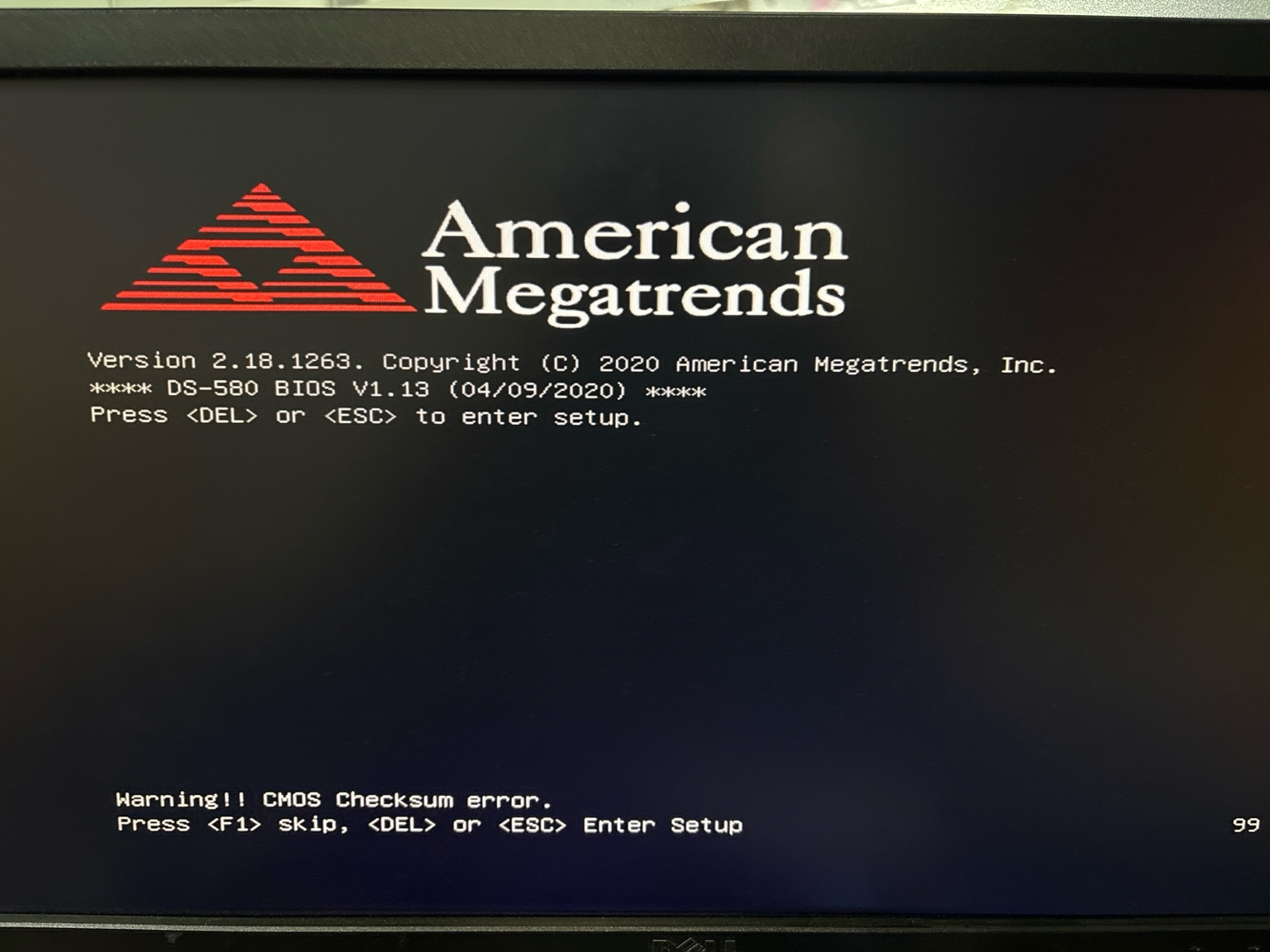
I have been replacing a CMOS battery for Advantech IPC. I do realize that I am getting this checksum error.
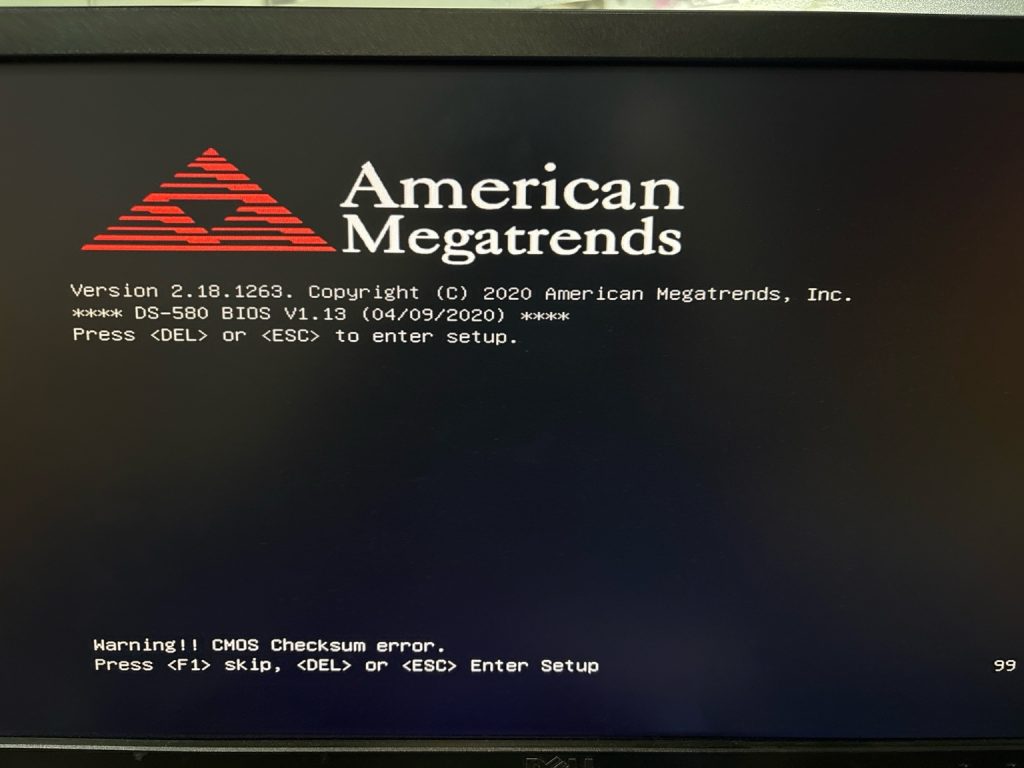
The screen you’re seeing indicates a CMOS checksum error, which is expected after replacing the CMOS battery.
✅ Here’s what you should do right now:
🔧 Step-by-Step:
- Press
<DEL>or<ESC>to enter BIOS Setup. - Once inside BIOS:
- Go to Exit tab (usually at the top or side).
- Choose “Load Optimized Defaults” or “Load Setup Defaults”.
- Then, set the correct date and time under the Main or Advanced tab.
- After that, go back to the Exit tab:
- Choose “Save Changes and Exit” (or press
F10). - Confirm when prompted.
- Choose “Save Changes and Exit” (or press
Your system will reboot, and the CMOS checksum error should disappear on next boot.
📌 What the Error Means:
A “CMOS checksum error” means the BIOS settings were reset (likely due to a battery replacement), and the stored checksum no longer matches.
It’s not a hardware fault, just a prompt for you to:
- Re-enter BIOS,
- Confirm/reset settings,
- Save them again.

Leave a Reply